
Define the work and travel boundaries
Write down the services you want more of and the places you actually serve. Separate routine coverage from jobs you consider case by case. For example, a contractor might travel farther for a full installation than a small repair. That is an operational decision to explain clearly, not a reason to publish a page for every nearby town.
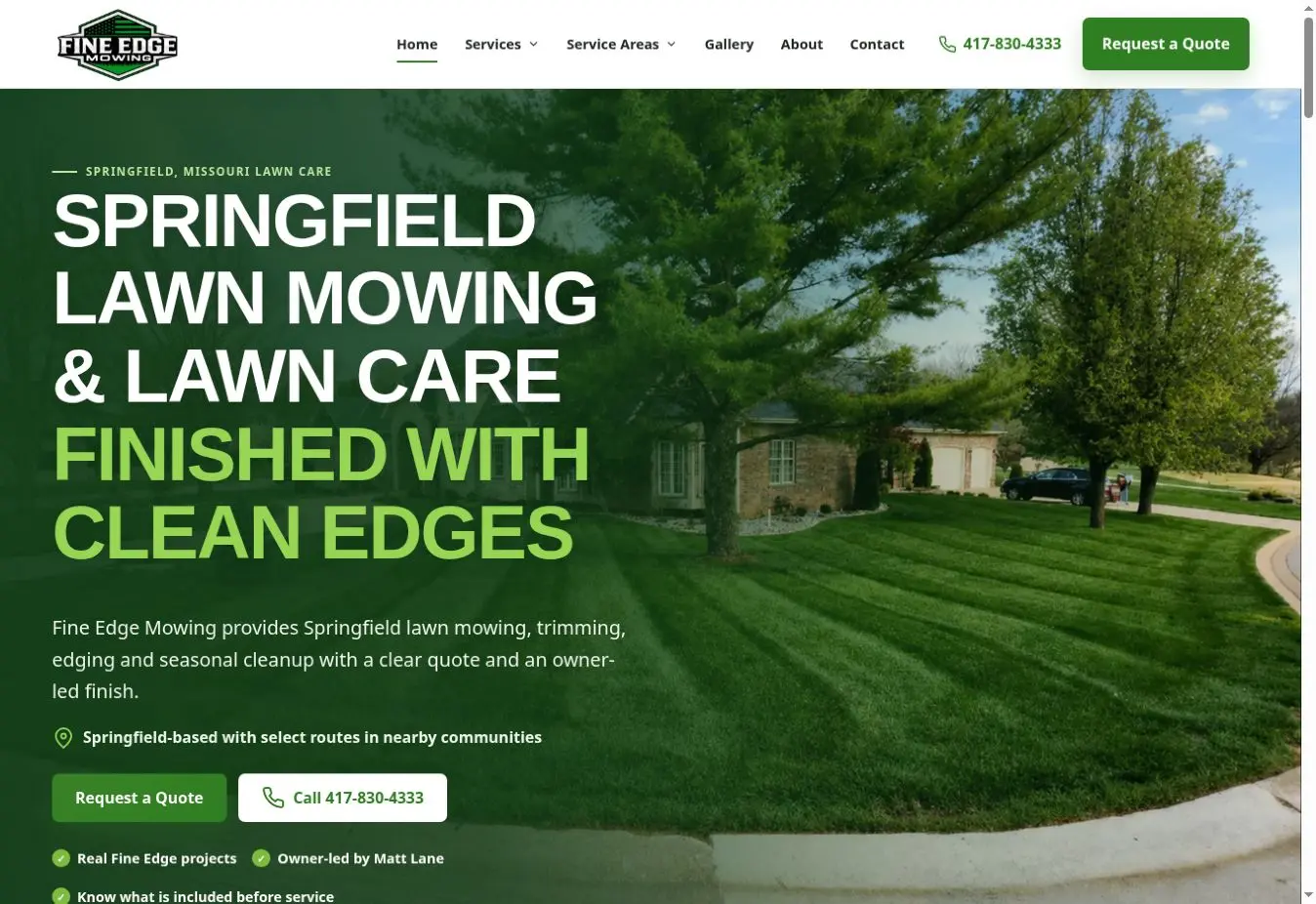
Ask the person answering inquiries which locations and services cause confusion. Use those answers to choose the pages that deserve attention. The saved Fine Edge Mowing project above names Springfield in the headline and explains that select routes cover nearby communities. The coverage line gives a customer more context than the city name alone.
Compare the facts customers can see
Review your Google Business Profile beside your website. Check the business name, phone, hours, services, category and website destination. Confirm that holiday hours and service changes are reflected wherever customers commonly find you.
Google describes relevance, distance and prominence as important local-ranking factors. Complete, accurate information helps it understand the business, but it does not remove the effect of a searcher’s location or the competition. Concentrate on facts you can maintain rather than treating one ranking check as the entire picture.
Keep a short change log with the date, edited listing and person responsible. That makes recurring discrepancies easier to find and correct.
Fix one confusing service page
Choose a service that produces repeated questions. Explain what is included, what is outside the normal scope, where it is available and what information the customer should provide. For a quote request, that might be a project address, approximate size and a few relevant photos.
Use genuine work images when available and describe them accurately. Create a separate city page only when it can offer meaningful local information, such as a coverage distinction or relevant project example. A new city name above the same paragraphs does little to help someone make a decision.
Record why inquiries do not fit
Run a simple inquiry log for two weeks. Staff do not need a complex dashboard: a short row per inquiry is enough. Record the requested service, city, source if known and whether the job fits. Keep private customer details out of marketing reports.
| Reason an inquiry does not fit | What to review |
|---|---|
| Outside the service area | Coverage wording and profile details. |
| A service you do not offer | Service names, categories and descriptions. |
| Missing job details | The questions in the inquiry form. |
Make customer feedback part of the routine
Invite honest feedback without steering customers toward a particular rating. Read reviews for recurring questions about communication, arrival expectations and follow-up. Some patterns call for a website edit; others require an operational change.
When responding, stay specific enough to acknowledge the experience while protecting private job details. Assign responsibility for checking reviews so useful feedback does not disappear between the office and the marketing provider.
Compare a consistent set of signals
Review suitable inquiries alongside page activity and local visibility. If you use ranking scans, keep the queries and locations consistent and label each scan with its date. They show a point-in-time pattern, not the result every customer will see.
End the review with a concrete decision: correct a listing, improve the service explanation or repair the inquiry path. Our local SEO work connects those tasks to a defined scope and reporting routine.
Source: Google Business Profile Help: improving local ranking.